Geometry Dash Lite APK: Free Guide for Android (2026)
Today
209mb
V 3.1
IOs & Android 5+
10k
Description
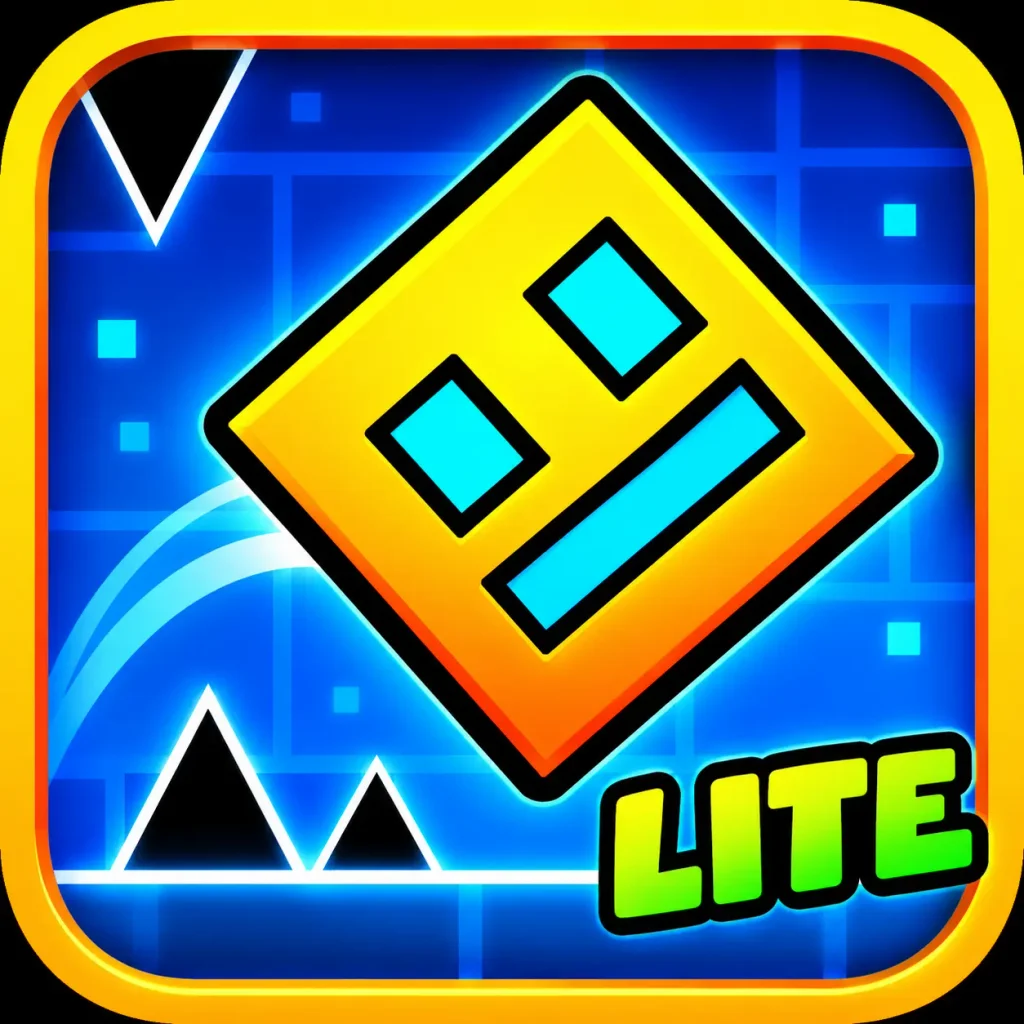
Geometry Dash Lite APK is the installation file for the free version of RobTop Games’ popular rhythm platformer. You tap the screen to jump, fly and flip your way through obstacles in time with the music, and one wrong tap sends you back to the start. In this guide you will learn what the game offers, which version to look for, how to install the APK on an Android phone, and how to stay safe while doing it.
What Is Geometry Dash Lite?
Geometry Dash Lite apk is the free edition of Geometry Dash, developed by RobTop Games. It keeps the core gameplay of the full game: simple one-touch controls, fast levels and music that drives the action. The Lite version offers a limited set of levels and shows ads, so you can try the game before deciding whether to buy the full version.
The game is easy to learn and hard to master. Most levels take only a minute or two, which makes it popular for short breaks, but beating the harder ones can take many attempts.
Geometry Dash Lite APK: App Information
| Detail | Information |
|---|---|
| App name | Geometry Dash Lite |
| Developer | RobTop Games |
| Package name | com.robtopx.geometryjumplite |
| Category | Arcade / Platformer |
| Price | Free, with ads |
| Minimum Android version | Android 5.0 (Lollipop) or higher |
| Latest version we found listed | 2.2.147 (uploaded January 30, 2026) |
| Approximate file size | About 209 MB for that version |
Version numbers and file sizes change with each update, and the size can differ by device type. Check the current figures on the download page before you publish or install.
Main Features
- One-touch controls: tap to jump, fly or flip. There are no complicated buttons to learn.
- Music-driven levels: obstacles are timed to the soundtrack, so rhythm helps as much as reflexes.
- Free levels to practise on: the Lite version includes a limited number of official levels, enough to learn the style.
- Customisation: unlock icons and colours as you play, so your character can look different.
- Challenge for every skill level: easy levels are forgiving, while demon-level content tests experienced players.
- Regular updates: RobTop Games has added new levels, daily and weekly content and bug fixes over time.
Geometry Dash Lite vs the Full Version
| Feature | Lite | Full game |
|---|---|---|
| Price | Free | Paid |
| Ads | Yes | No |
| Number of levels | Limited | Many more |
| Level editor | No | Yes |
| Extra customisation and unlocks | Limited | Much more |
If you enjoy the Lite version and want to create your own levels or play many more official ones, the full game is the natural next step.
How to Download and Install the Geometry Dash Lite APK
The safest option is the official Google Play Store. Search for “Geometry Dash Lite”, check that the developer is RobTop Games, and tap Install. Use an APK file only if Google Play is not available on your device or you need a specific version.
If you do install from an APK:
- Find a trusted source. Download only from a well-known APK site or the developer, and confirm the package name is com.robtopx.geometryjumplite.
- Check your Android version. The game needs Android 5.0 or higher.
- Allow installs from your browser. Open Settings, search for “Install unknown apps”, choose the browser or file manager you used, and switch on the permission.
- Open the downloaded file. Find it in your Downloads folder and tap it. If the file is a bundle (XAPK or APKM), you may need an installer app that supports bundles.
- Tap Install and wait. The game is large, so it may take a minute.
- Turn the permission off again. Go back to Settings and disable “Install unknown apps” for that browser.
- Open the game and start playing.
Is the Geometry Dash Lite APK Safe?
The official game is safe, but fake or edited files exist. To protect your phone:
- Prefer Google Play when you can.
- Avoid files that say “mod”, “unlimited”, “hacked” or “unlocked”. These are often unofficial and can carry malware.
- Check the package name and the developer name before installing.
- Be wary of any download page that asks for personal details or tells you to install extra apps first.
- Keep a security app or Google Play Protect switched on.
Using edited copies of paid games also breaks the developer’s terms, and supporting the creators keeps the game updated.
Tips for Beginners
- Learn the rhythm first. Listening to the music helps you time your taps.
- Use practice mode when it is available, to learn tricky sections.
- Take short breaks if you keep failing. Frustration makes timing worse.
- Play with headphones so you can hear the beat clearly.
- Start with easier levels and move on only when you can finish them comfortably.
Frequently Asked Questions
Is Geometry Dash Lite free?
Yes. The Lite version is free to play and supported by ads. The full Geometry Dash game is a paid app.
What Android version does it need?
The versions we checked list Android 5.0 (Lollipop) as the minimum. Check the page for the version you plan to install.
Do I need internet to play?
Many levels can be played offline, but some features, such as daily content and updates, need a connection.
Why is the file so large?
Recent versions include music, graphics and level data, so the download can be well over 150 MB. Make sure you have enough free storage.
Can I play Geometry Dash Lite on a PC?
There is no official Lite app for PC. The full game is available for computers through the platforms listed by the developer.
Where is the best place to get it?
Google Play is the safest source. If you use an APK, choose a trusted site and check the package name.
Final Thoughts
Geometry Dash Lite APK is a good way to try one of the most popular rhythm platformers without paying. It is quick to learn, and the music-based levels are challenging and fun. Download it from Google Play when possible, double-check any APK file before installing, and upgrade to the full game if you want more levels and tools.